Bug reports with reproduction steps. Every time.
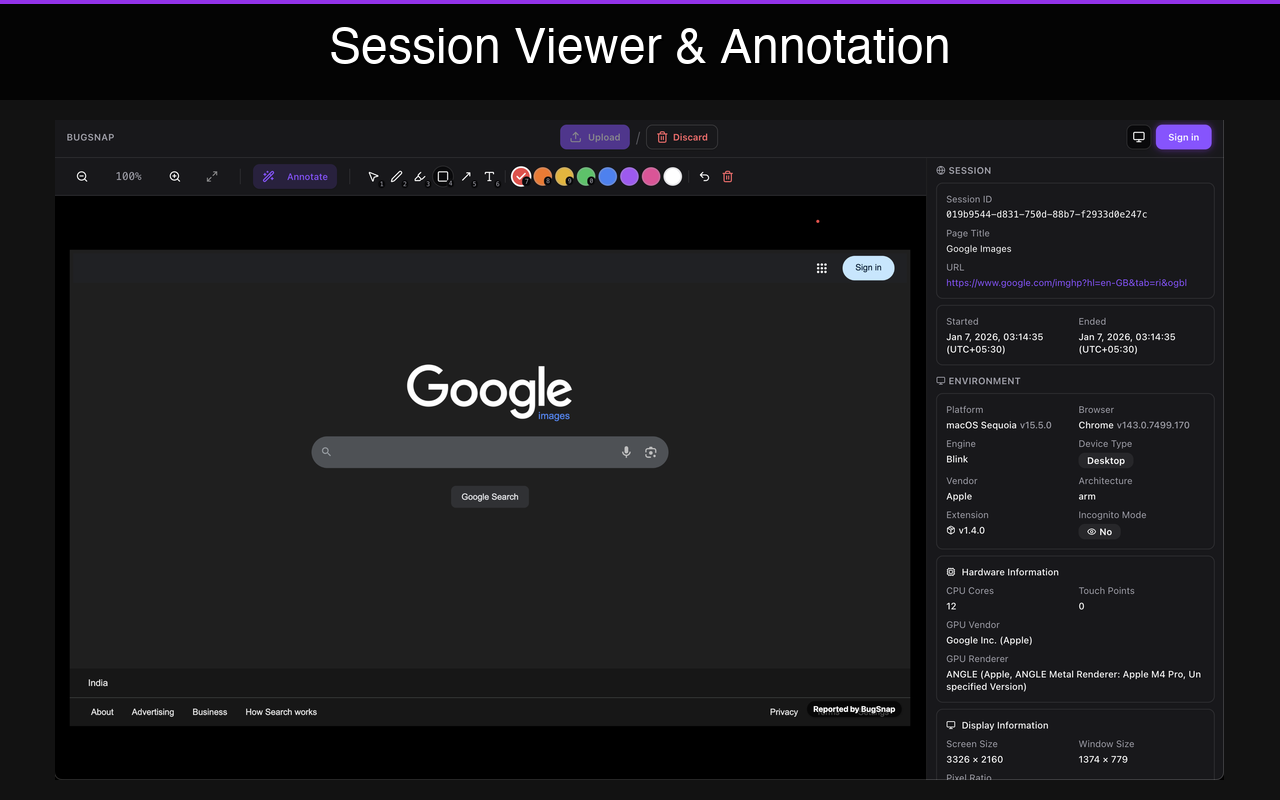
Auto-captured
Environment, logs, network
Bug reports never include reproduction steps. Teams pay the price.
Product issues and feedback come from everywhere—Slack messages, screenshots, support tickets, emails, NPS comments. Almost none arrive with the steps to actually reproduce them.
Reproduction steps are missing
Screenshots without URLs. Bugs without steps to reproduce. Environment details nowhere to be found.
Intent is unclear
Is this a bug? A feature request? A complaint? Teams waste time decoding every report.
Signals are mixed
Bugs, feedback, and noise arrive in the same channels. Prioritization becomes guesswork.
By the time issues reach engineering:
The friction isn't fixing bugs.
It's reproducing them.
Your backlog isn't built for human input.
Issue trackers are excellent at managing defined work. They're not designed to capture raw input from humans—bugs, suggestions, and observations—at the moment they occur.
Raw Input
Messy, incomplete signals

BugRepro
Capture + repro steps + standardize
Clean Issues
Structured, actionable
Your Backlog
Jira, Linear, GitHub
BugRepro sits before the backlog. It captures bugs and feedback, attaches reproduction steps automatically, and standardizes them—so downstream teams receive reports they can act on immediately.
One intake layer. Every report, reproduction-ready.
Different signals. One consistent format — always with the steps to reproduce.
From Internal Teams
Browser Extension
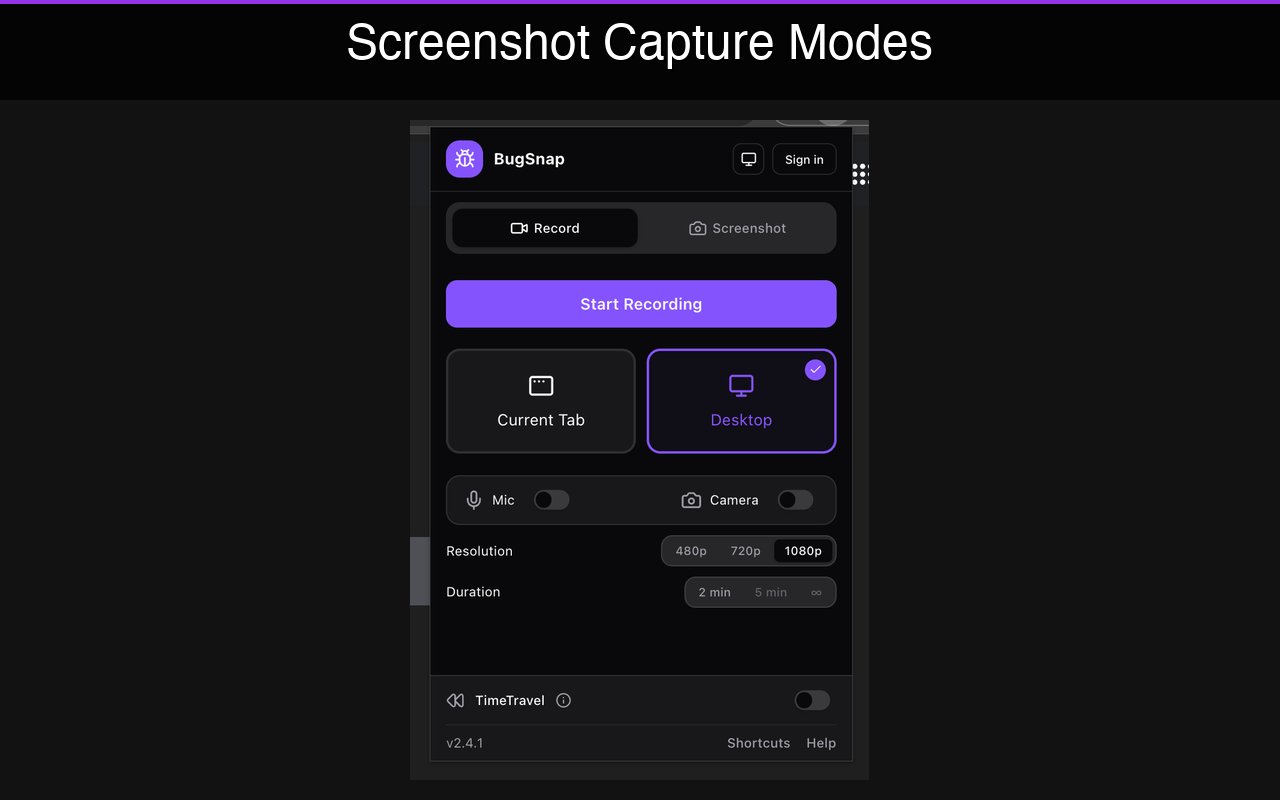
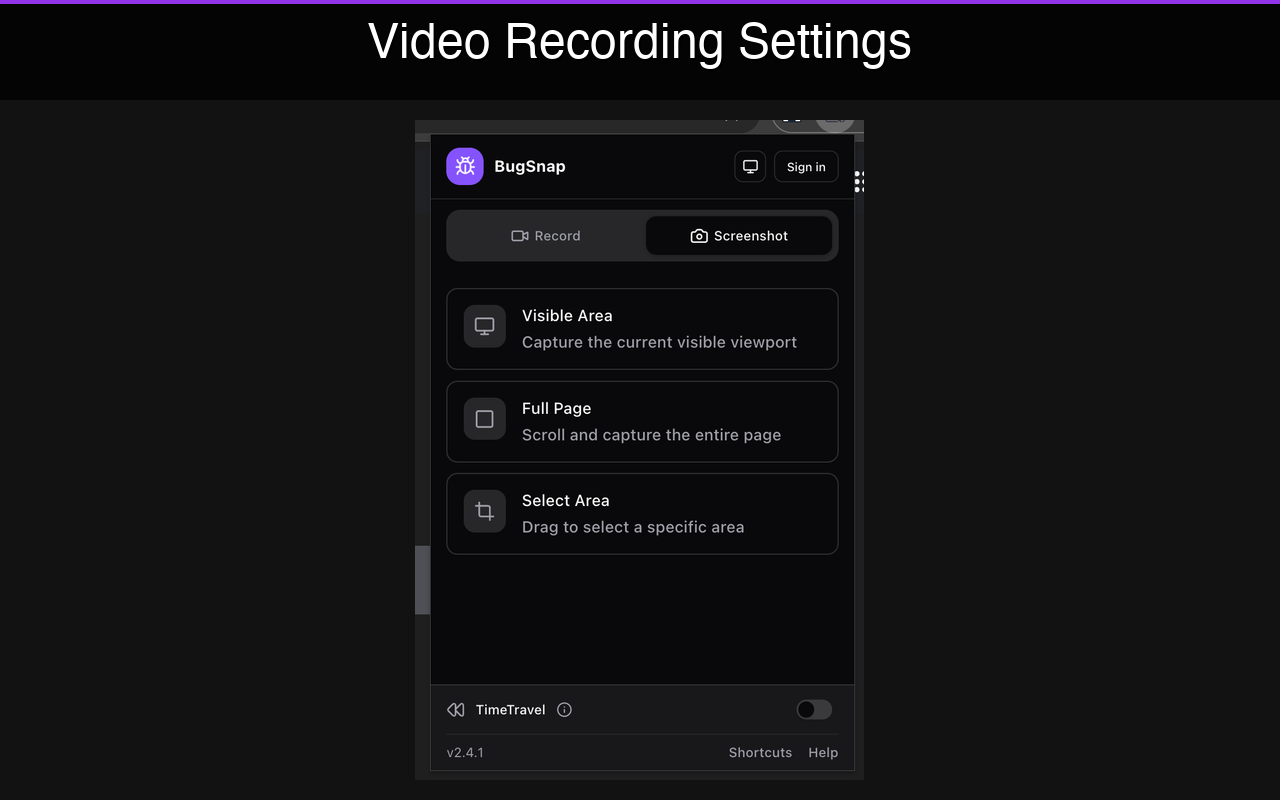
- Capture bugs, UX issues, and product feedback directly from the product
- Screenshots, URLs, environment details collected automatically
- Add notes and annotations for context
From External Users
In-app SDK
- Let users report problems or share feedback in-app
- Captures intent, device context, and app state
- No technical knowledge required from users
Separate feedback from noise.
BugRepro helps distinguish different types of signals. Each is captured with the right context and reproduction steps—so teams don't have to decode intent after the fact.
Reproducible Bugs
Clear steps, environment data, and technical context that engineers can act on immediately.
UX Friction
Moments of confusion, unexpected behavior, and usability issues captured with visual evidence.
Product Feedback
Suggestions, feature requests, and observations that inform product direction.
BugRepro ends where your workflow begins.
BugRepro doesn't prioritize, roadmap, or manage execution. It prepares reproduction-ready reports and hands them off to Jira, Linear, or GitHub—cleanly and consistently.
What BugRepro doesn't do
- No prioritization
- No roadmapping
- No execution management
What you get
- No new backlog to manage
- No competing source of truth
- No process overhead
Built for product teams. Trusted by engineering.
Product & Design
Capture real feedback and issues without losing nuance or context.
Managers
Understand where problems and feedback originate, and how quickly they're addressed—without living inside tickets.
Engineers
Clear signals. Better context. Fewer interruptions.
Works with the tools you already use.
Designed to fit into existing workflows, not replace them.
Jira
Create issues with full context
Linear
Sync issues seamlessly
GitHub Issues
Link to repos and PRs
Slack
Share reports to channels
Fix the intake. Everything downstream gets easier.
When every bug report arrives with reproduction steps, engineers stop guessing and start fixing.
Available for: